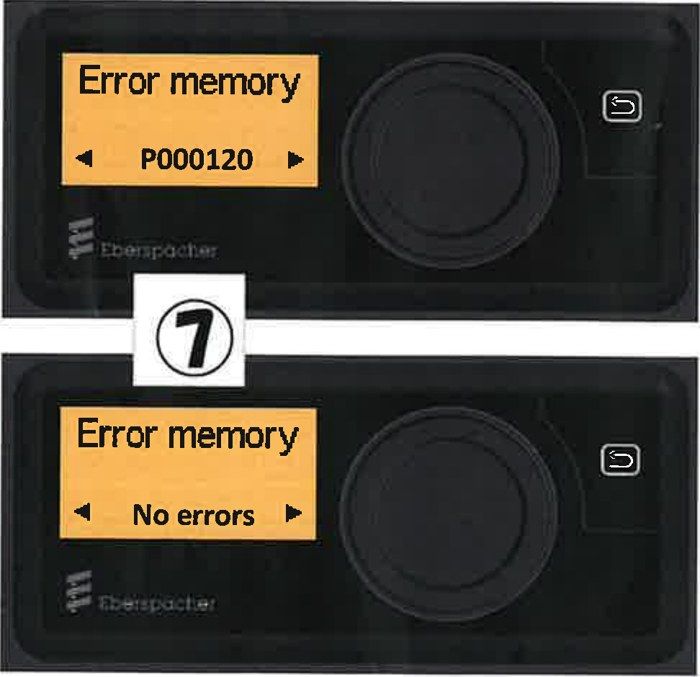
Check the error code
Step 1. From the normal screen, turn the dial to select the gear icon, then press the dial.
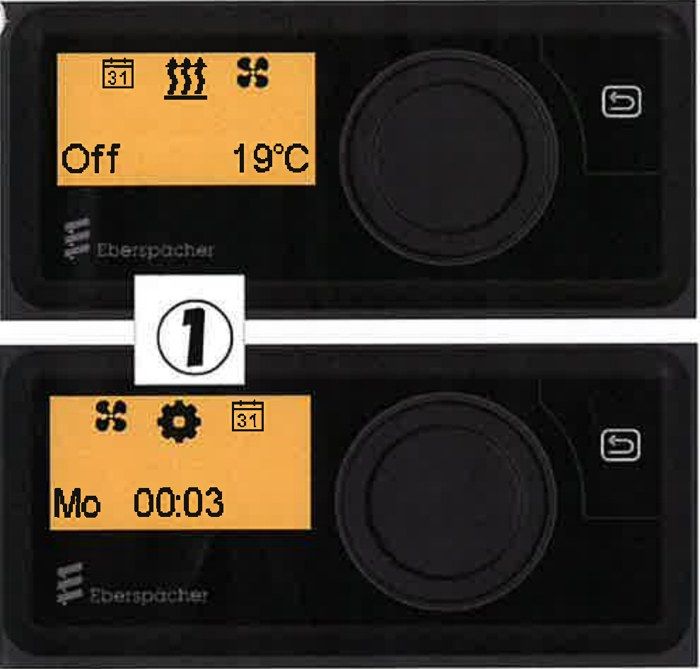
Step 2. The display switches to a screen with a flashing clock icon.
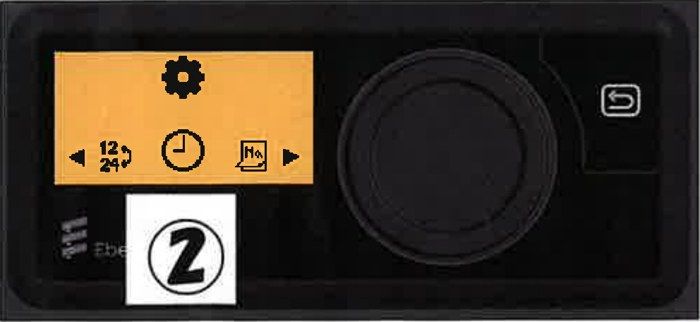
Step 3. To open the Workshop menu, press and hold the return key (top right) for about 3 seconds.
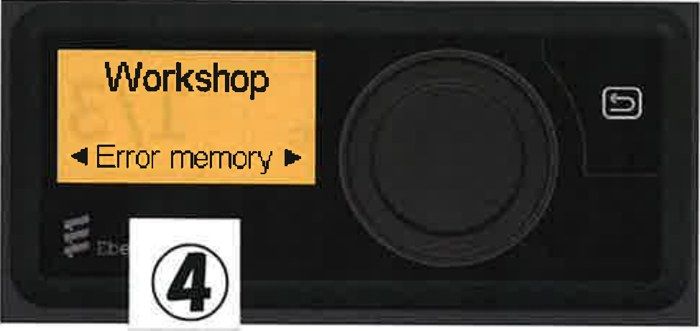
Step 4. Turn the dial until "Error memory" appears, then press the dial.
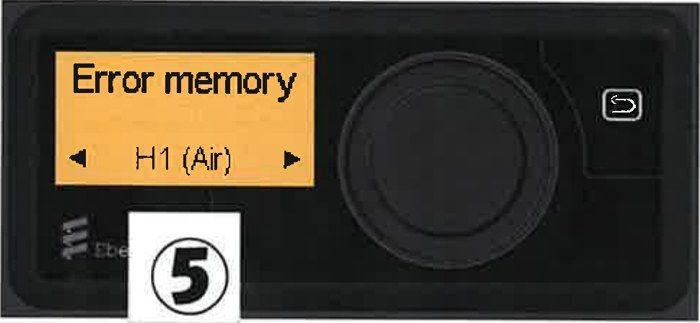
Step 5. Select "H1 (Air)", then press the dial.
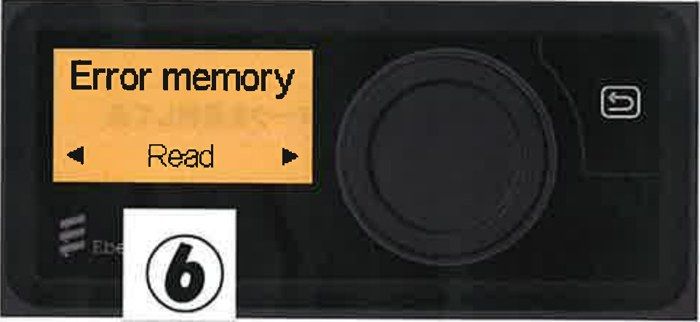
Step 6. Select "Read", then press the dial. To clear the error (release the lock), see step 8 onward.
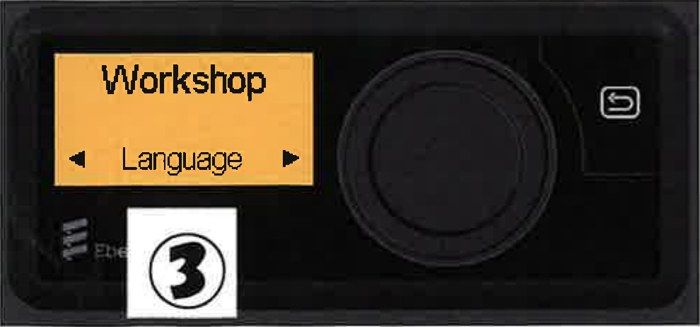
Step 7. Read the error code. The display shows a code such as P000120, or "No errors". If there is more than one error, turn the dial to see each one. The heater stores up to the 5 most recent errors. Please write down the error code or take a photo of it before you clear it.